
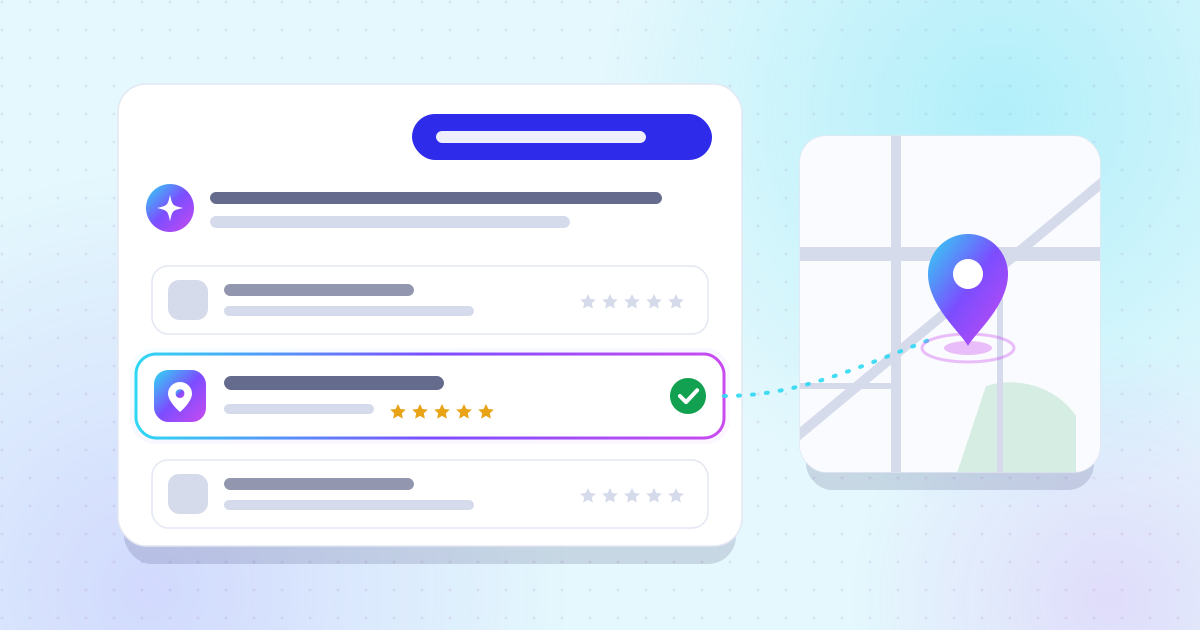
Local GEO: how to get recommended by ChatGPT in your town
Business profile, reviews, directories: the three sources that assistants cross-check before citing a business.
 iPand iPand
Opening hours, services, payment methods, accessibility: the attributes that come up in answers.
The ones search engines display: your Google business profile first, then Bing Places and Apple Business. Assistants do not read your profiles directly; they read what search engines pick up from them.
ChatGPT search relies on third-party search providers and on partners, including for maps[1]. Google AI Overviews draw on Google’s index, where your profile plays a central part in any local search. Bing Places feeds Bing Maps results[2], and Apple Business lets you manage your location on Maps, with your logo, hours and photos[3].
Apple is no side detail: in BrightLocal’s 2026 survey of US consumers, the use of Apple Maps for reading reviews nearly doubled in a year, from 14% to 27%[4]. Keeping three identical profiles takes little effort; leaving one to go stale creates a contradictory version of your business.
These are the fields an assistant cross-checks before naming a business: if they differ from one source to another, it hesitates and picks a more consistent competitor. They should match everywhere, character for character.
One profile per business: Google says so explicitly[5]. A duplicate splits your reviews and blurs the information search engines pick up.
Watch out for call-tracking numbers: a different number on each platform is handy for measuring campaigns, but it also gives one business three phone numbers. Keep your main number on your profile, website and directories, and save tracking numbers for ads. The same goes for the address: pick one way of writing it, suite, floor and all, and stick to it everywhere.
Attributes are the small yes-or-no options on your profile: Wi-Fi, outdoor seating, card payments, wheelchair access. They answer exactly the kind of specific questions people put to assistants.
Google says attributes show up on your Business Profile on Search, Maps and other Google platforms, and that your business may appear in searches for places with those attributes[6]. Some are filled in from customer input: read them through and correct any that are wrong.
For Meeple Junction, our fictional store in Denver, the useful attributes would be accessibility, payment methods and whether there is a play area. Each one is a ready-made answer to a question like “wheelchair-accessible game store in Denver”.
Set special hours separately, ahead of every holiday or event: it is the field most often forgotten, and the most visible one when it is wrong.
Google lets you schedule special hours for holidays, special events and other exceptional circumstances, set “More hours” for separate services such as delivery or takeout, and recommends marking the business as temporarily closed when it shuts for seven or more days in a row[7].
On your website, the same information is described with schema.org’s specialOpeningHoursSpecification property[8]. Update both at the same time: a profile and a site that disagree about whether you are open on the Fourth of July are exactly the kind of mismatch that makes an assistant hesitate.
The description and photos do not replace structured fields, but they add context: what you sell, to whom, and in what setting. Write the description as an answer, not as an ad.
Say in two or three sentences what you do, where, and what sets you apart in a verifiable way: a service, a specialty, opening times. Avoid superlatives nothing can prove. Add recent photos of the storefront, the inside and your products: they help customers recognise you, and a profile that is kept up inspires trust.
If your profile lets you list products or services, use your customers’ words: “e-bike repair” rather than an internal label. Those are the words that show up in the questions people ask assistants.
A profile decays without you touching it: customers suggest edits, attributes get added from their input, a platform picks up an old address. A ten-minute check every month is enough to prevent it.
That last step is the most telling: an assistant that quotes your old address or wrong hours tells you exactly which source to fix. Our article on customer reviews covers the review side of this routine.
Your website should confirm what your profile says, with the same information and LocalBusiness structured data. That is what lets a search engine tie both sources to the same entity.
| Profile field | What to put in it | schema.org property |
|---|---|---|
| Name | Your real name, no keywords | name |
| Address or service area | The exact address, or the area covered | address, areaServed |
| Phone | The same number everywhere | telephone |
| Hours | Opening hours for each day | openingHoursSpecification |
| Special hours | Holidays, events, closures | specialOpeningHoursSpecification |
| Payment methods | Cards, cash, others | paymentAccepted |
| Amenities, accessibility | Your profile’s attributes | amenityFeature |
| Price range | An honest indication | priceRange |
Properties checked on schema.org’s LocalBusiness page.
All of these properties exist on schema.org’s LocalBusiness type[8]. Google reminds site owners that structured data must match the visible text of the page[9]: do not put anything in it that the page does not say. Our article on local GEO shows how these fields work together with reviews and directories, and the free test tells you whether assistants already cite you.

Attributes show up on your Business Profile on Search, Maps, and other Google platforms.
Yes. ChatGPT search relies on third-party search providers, and Bing Places corrects your details in Bing Maps. An up-to-date Bing listing stops an old version of your business from circulating.
Every one that is true and useful to your customers. An attribute answers a specific question; a wrong attribute creates a wrong answer.
As few as possible. Google asks for specific categories that describe your core business, and does not allow using them as keywords.
Have it removed through Google Business Profile Help. Google asks for one profile per business; a duplicate splits your reviews and blurs your information.
Test your visibility
Find out for free whether ChatGPT, Gemini, and Perplexity mention your business.
Business profile, reviews, directories: the three sources that assistants cross-check before citing a business.
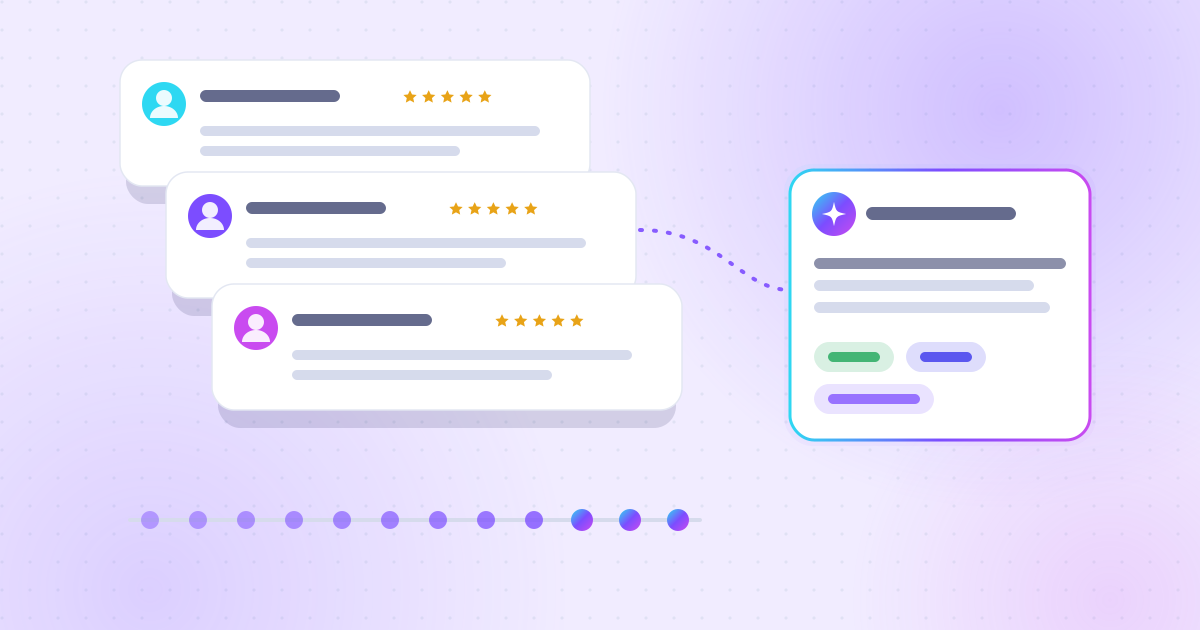
A steady flow of recent reviews carries more weight than a perfect rating that has not moved in two years.
You can decline: the whole site stays available.
Remembers your theme choice and your cookie choice.
Pages viewed, referrer, device; aggregated statistics.
