
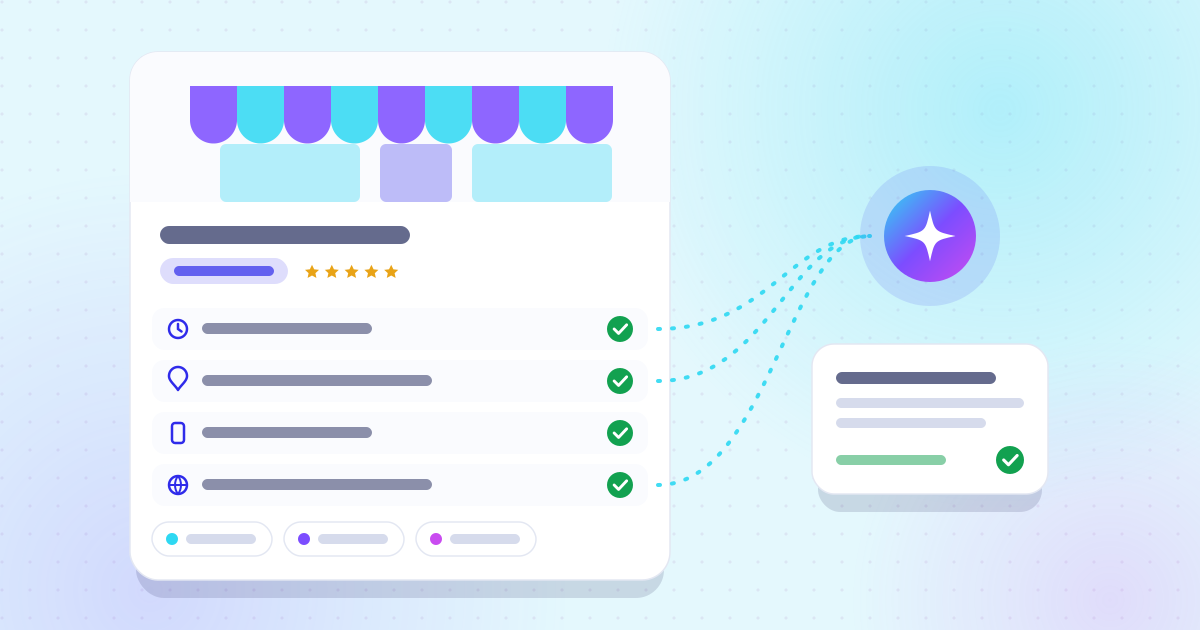
Business profile: the fields AI engines read
Opening hours, services, payment methods, accessibility: the attributes that come up in answers.
 iPand iPand
Business profile, reviews, directories: the three sources that assistants cross-check before citing a business.
For a local question, ChatGPT usually runs a web search, reads a handful of pages and writes an answer that names two or three businesses. It does not look you up in one directory: it cross-checks what it finds.
OpenAI says ChatGPT search leverages third-party search providers, as well as content provided directly by its partners, including for maps[1]. In practice, the answer is built from the pages those engines return: your website, your business profile, directories, review sites and local press.
Take a fictional example: Meeple Junction, a board game store in Denver. When someone asks “Which stores in Denver have a big selection of board games?”, the assistant only names the store if it finds it, consistently, in several of those sources. An address that differs from one site to the next, or missing opening hours, is enough for it to pick a better-documented competitor.
Start with your business profiles, then review sites, then directories and local media. That is the order in which the effort pays off fastest, because these sources feed the search engines that assistants query.
On Google, three factors decide local ranking: relevance, distance and prominence, and Google states that there is no way to pay for a better local ranking[2]. Prominence takes into account how many websites link to your business and how many reviews you have. A complete profile and a steady flow of reviews work twice: in Google Maps, and in the pages an assistant reads afterwards. ChatGPT recommendations cannot be bought either: OpenAI, which announced ad tests in January 2026, says ads do not influence answers and are always kept separate[3].
| Source type | Examples in the US | What to check |
|---|---|---|
| Business profiles | Google Business Profile, Bing Places, Apple Business | Name, address, phone, categories, current hours |
| Review sites | Google, Yelp, Tripadvisor for hospitality | Recent reviews and owner replies |
| Directories | Yellow Pages, BBB, your trade’s own directories | The same name, address and phone everywhere |
| Local media and guides | Your city paper or alt-weekly, local blogs | An up-to-date mention with a link to your site |
Examples of US platforms; the useful list depends on your trade.
Bing matters too: ChatGPT search relies on third-party search providers[1], and Bing Places is Microsoft’s tool for adding or changing your business information in Bing Maps[4]. Apple Business lets you claim your location on Maps and manage your logo, hours and photos there[5]. A perfect Google profile next to an abandoned Bing listing tells two different stories about your business.
Ask it your customers’ questions, the way they phrase them, and write down who gets named and from which sources. One question is not enough, because answers change from one run to the next.
Prepare about ten questions that mix intents: finding a place, comparing, asking for advice. For Meeple Junction, that could be “Where can I buy Pokémon and Lorcana cards in Denver?” or “Which game store is best at helping beginners?”. Open the Sources button under each answer: it shows which sites the assistant read.
A SparkToro study of nearly three thousand answers found that lists of recommended brands change almost every time the same question is asked again[6]. That is why a single check proves nothing. The free test asks ChatGPT, Gemini, and Perplexity a few of your customers’ questions and shows where you stand; daily tracking, such as iPand’s, then measures the trend.
Make sure an assistant can confirm, on your own site, what your profiles say: name, address, phone, hours, services and service area. Then publish one clear page per service and per area.
That last point takes two minutes to check; our article on robots.txt and AI crawlers shows how.
The costliest mistakes are the ones that make your information contradictory or suspicious. Google’s guidelines list several of them, and they apply to every platform[9].
Our article on the fields AI engines read goes through the profile field by field.
Nobody can promise you a date or a spot in an answer: the assistant decides. What you can do is measure before, fix, then measure again on the same questions.
Technical fixes are picked up quickly: OpenAI mentions about 24 hours for a robots.txt change[8]. The rest depends on how often engines re-read your pages and profiles, and on how long it takes to build up recent reviews. Think in weeks, and look at the trend rather than a single answer.
Habits are moving fast. BrightLocal’s 2026 survey of US consumers found that 45% had used a generative AI tool to find a local business, up from 6% a year earlier[10]. Google AI Overviews, which began rolling out to everyone in the US in May 2024[11], add another answer box above the results; our article on AI Overviews covers what changes.

ChatGPT search leverages third-party search providers, as well as content provided directly by our partners.
No. ChatGPT recommendations are not for sale. OpenAI announced ad tests in the US in January 2026, shown separately and clearly labelled, and states that ads do not influence answers.
OpenAI does not publish a list of its providers. It says it relies on third-party search providers and on partners, including for maps. The safest approach is to keep your Google, Bing and Apple listings current.
Yes, if it is well represented elsewhere: a complete business profile, regular reviews and directory listings. A website still helps, because it gives the assistant a source it can verify that answers specific questions.
Indirectly. Reviews feed the prominence of your Google profile, and review pages are among the sources assistants read. A steady flow of recent reviews beats a perfect but old rating.
Test your visibility
Find out for free whether ChatGPT, Gemini, and Perplexity mention your business.
Opening hours, services, payment methods, accessibility: the attributes that come up in answers.
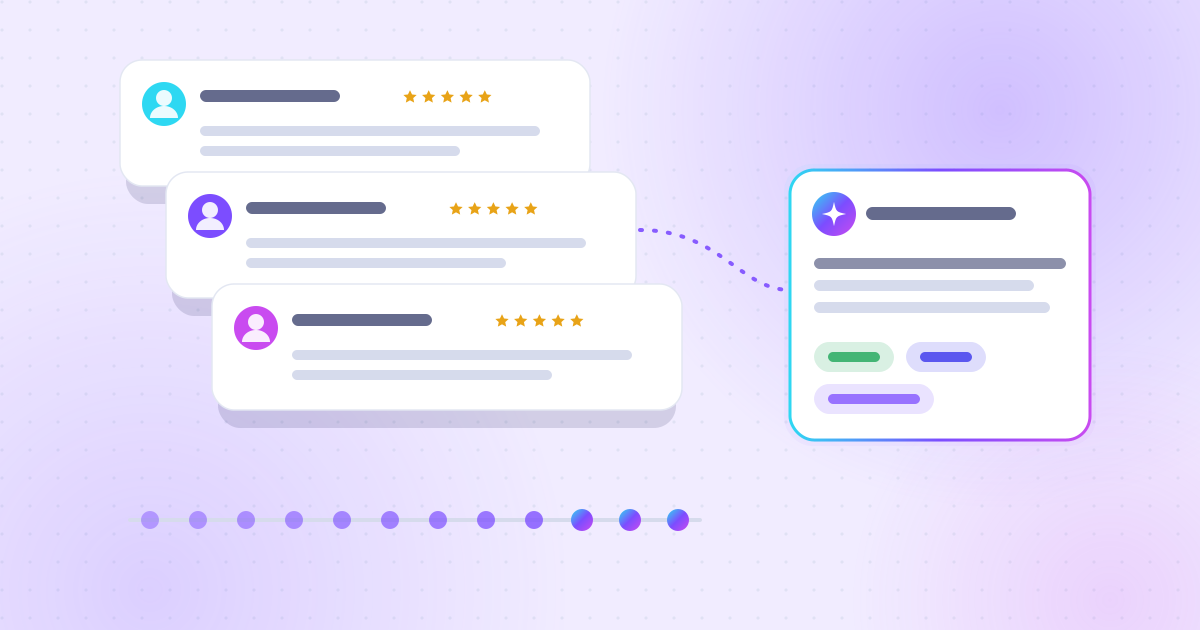
A steady flow of recent reviews carries more weight than a perfect rating that has not moved in two years.
You can decline: the whole site stays available.
Remembers your theme choice and your cookie choice.
Pages viewed, referrer, device; aggregated statistics.
